
Context Menu in SAP Business One
The Context Menu is familiar to all computer users. It is often helpful and gives more options almost anywhere on the screen. The context menu of SAP Business One is,...
Read More →
SAP Business One · AI Solutions · Industry Insights
The Context Menu is familiar to all computer users. It is often helpful and gives more options almost anywhere on the screen. The context menu of SAP Business One is,...
Read More →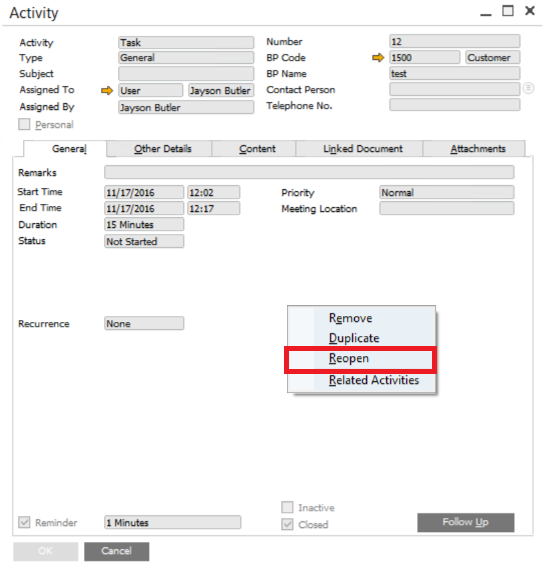
Managing activities is an important part of every CRM. You may need to track a potential customer for several months or even years. An activity may be closed for some...
Read More →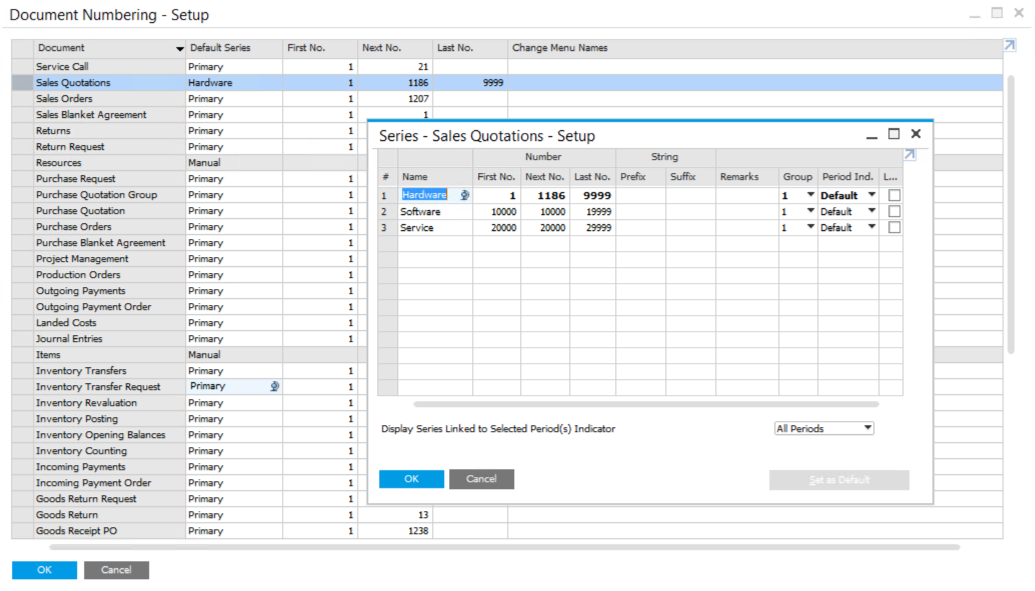
Each company has its own rules when creating document numbers for different documents. The default setting in SAP Business One is to assign a separate numbering series for each document...
Read More →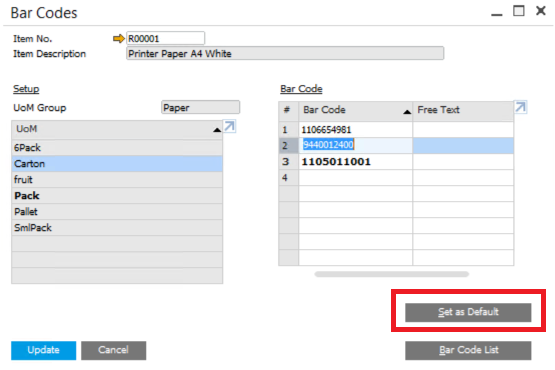
Bar codes are an essential part of every company, and the method of use can be different from company to company. Given this situation, SAP Business One allows you to...
Read More →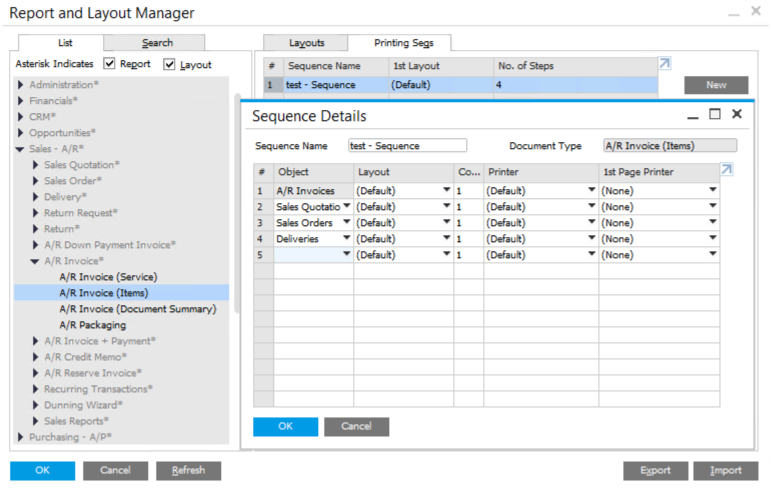
Different companies have different rules for documents. For example, imagine that your customer’s sales process includes a document chain from Quotation, Sales Order, Delivery to A/R Invoice, and you need...
Read More →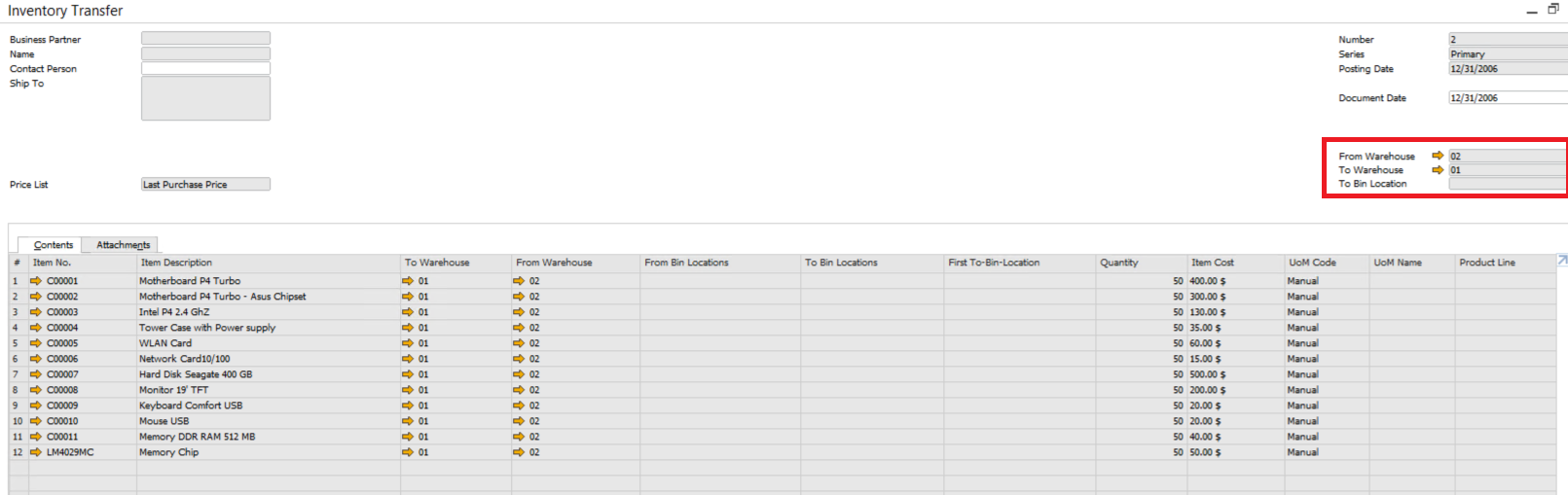
Suppose your company need to organize the warehouses and transfer some items from local warehouses into your main warehouse. Inventory Transfer in SAP Business One can help you in this...
Read More →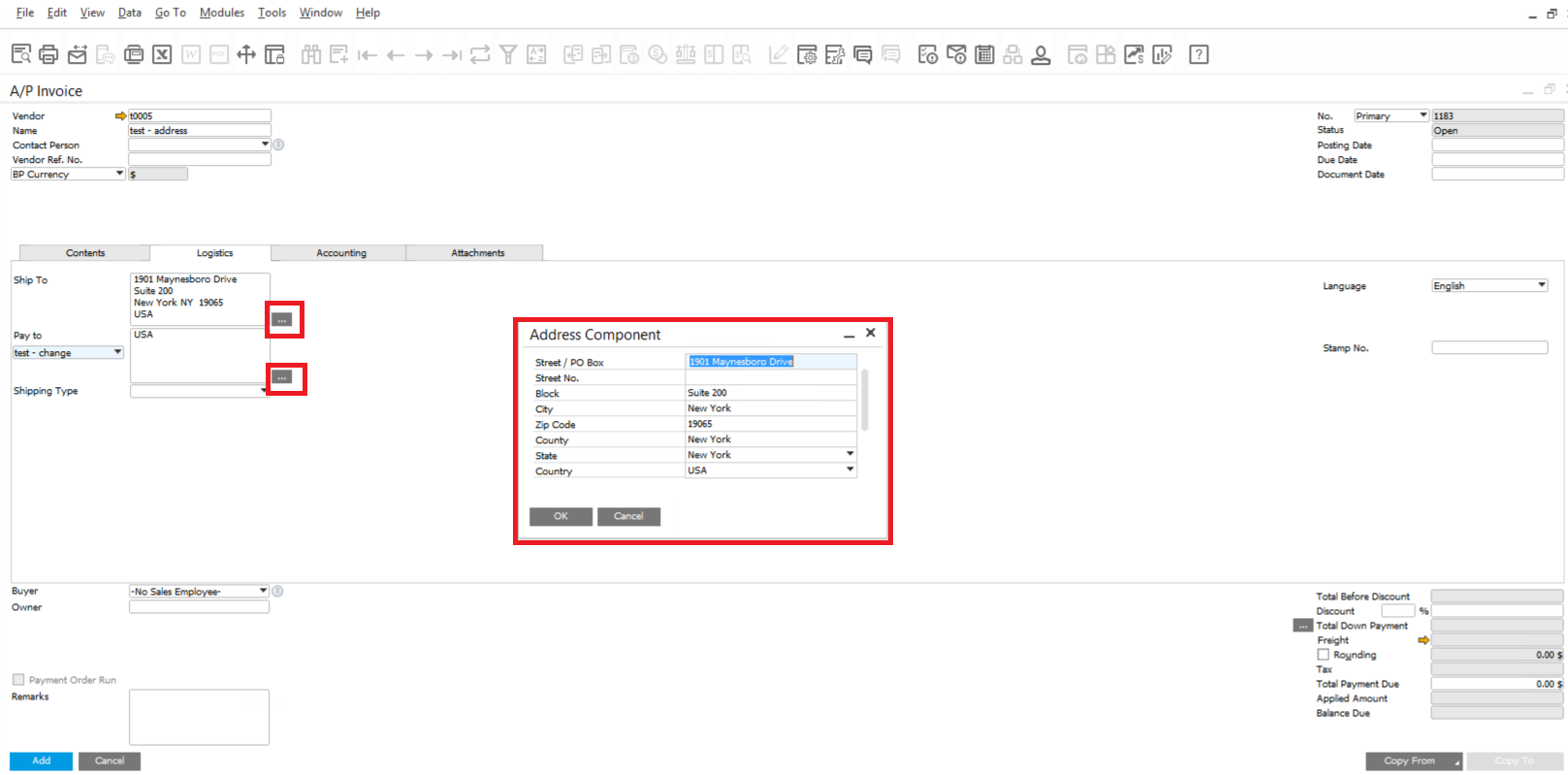
SAP Business One will automatically fill the Ship To and Bill To fields when customers create marking documents. We can edit the address in Business Partner Master Data and use...
Read More →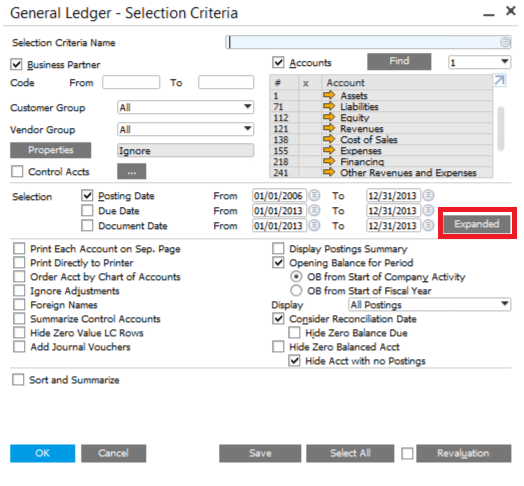
Reports are important for all companies. We all hope it to be comprehensive, accurate and customized. SAP Business One never stop trying to get better user experience in this part....
Read More →Our consulting team has 16 years of SAP Business One implementation experience, serving 1,000+ clients worldwide.
Free 30-Minute Consultation US
US  CN
CN